Other Income Types
This page provides instructions on how to create, modify, and remove other income types. When you create other income, you must assign it to other income type. You can create as many other income types as you need. When you create other income type, an income account is also created.
Creating Other Income Types
How to create new other income type:
- Go to Admin>Manage Other Income.
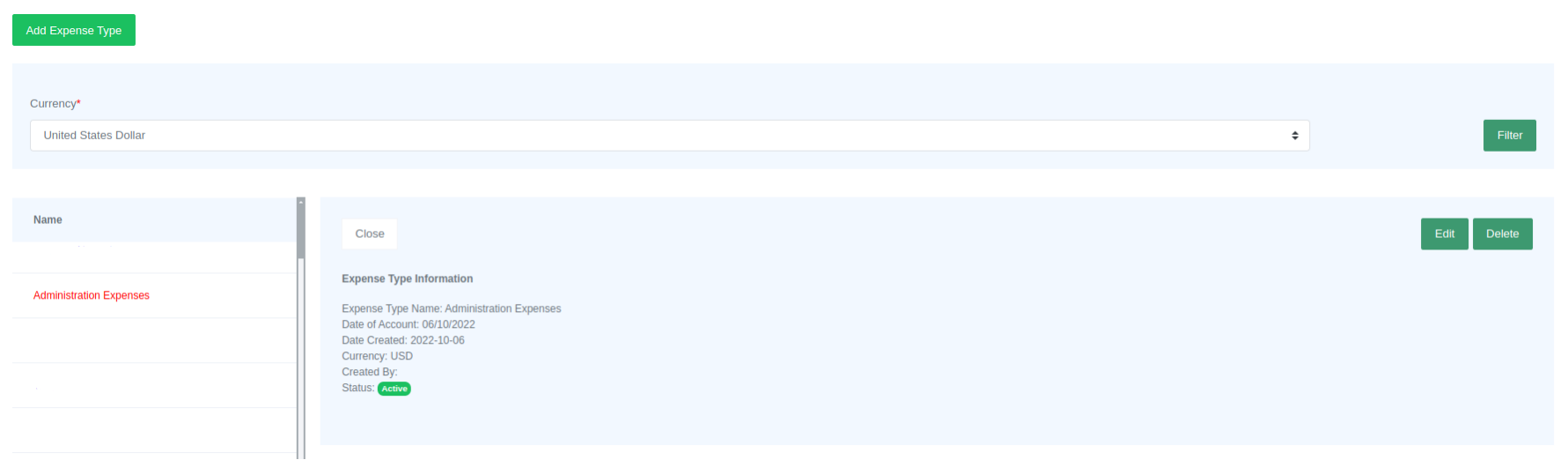
- To open the form, simply click on the "Add Other Income Type" button.

- Enter all the information required in the form.
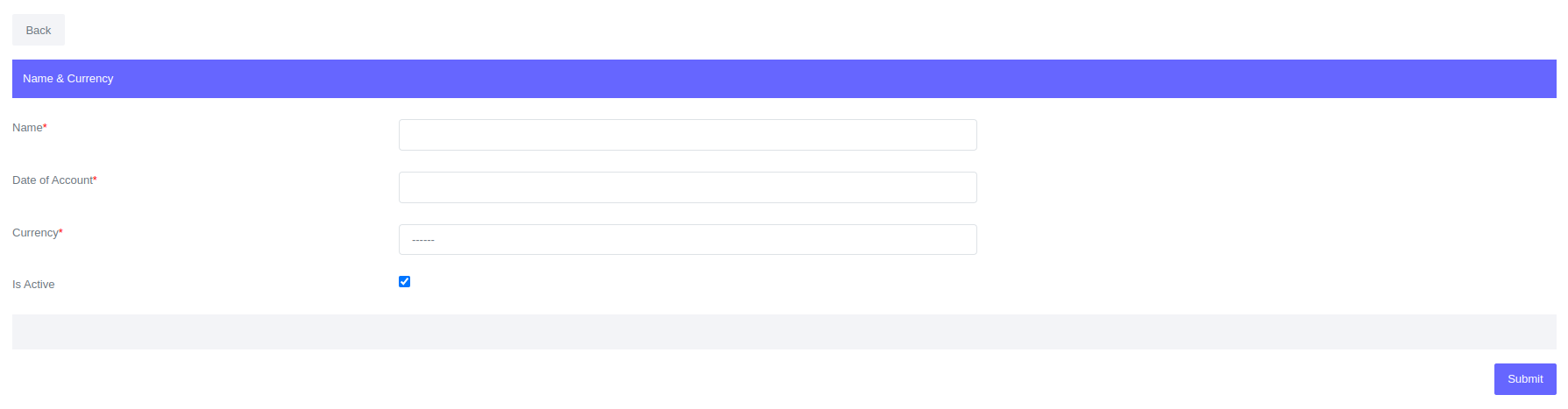
- Click Submit.
Once you have created other income type it will be available in the table of other income types. Just click "Filter" button to view.
Fields for Other Income Types
| Field | Description |
|---|---|
| Name | Name of the other income type e.g. Sundry etc.. |
| Date of Account | Date when other income account is created. Useful when backdating. |
| Currency | Other Income currency. |
| Is Active | Is other income type active or dormant. |
Editing and deleting other income types
Please Note
Other Income types that have transactions associated with them cannot be edited or deleted.
To edit or delete other income type:
- Go to Admin>Manage Other Income.
- Select currency and click "Filter".
- In the table, you can click the name of income type you want to edit or delete.